One order, from your guest's phone to your report
Follow a real order through the system: placed from the QR menu, accepted at the POS, sent to the kitchen, counted in your numbers.
New order #0420 · SAR 141
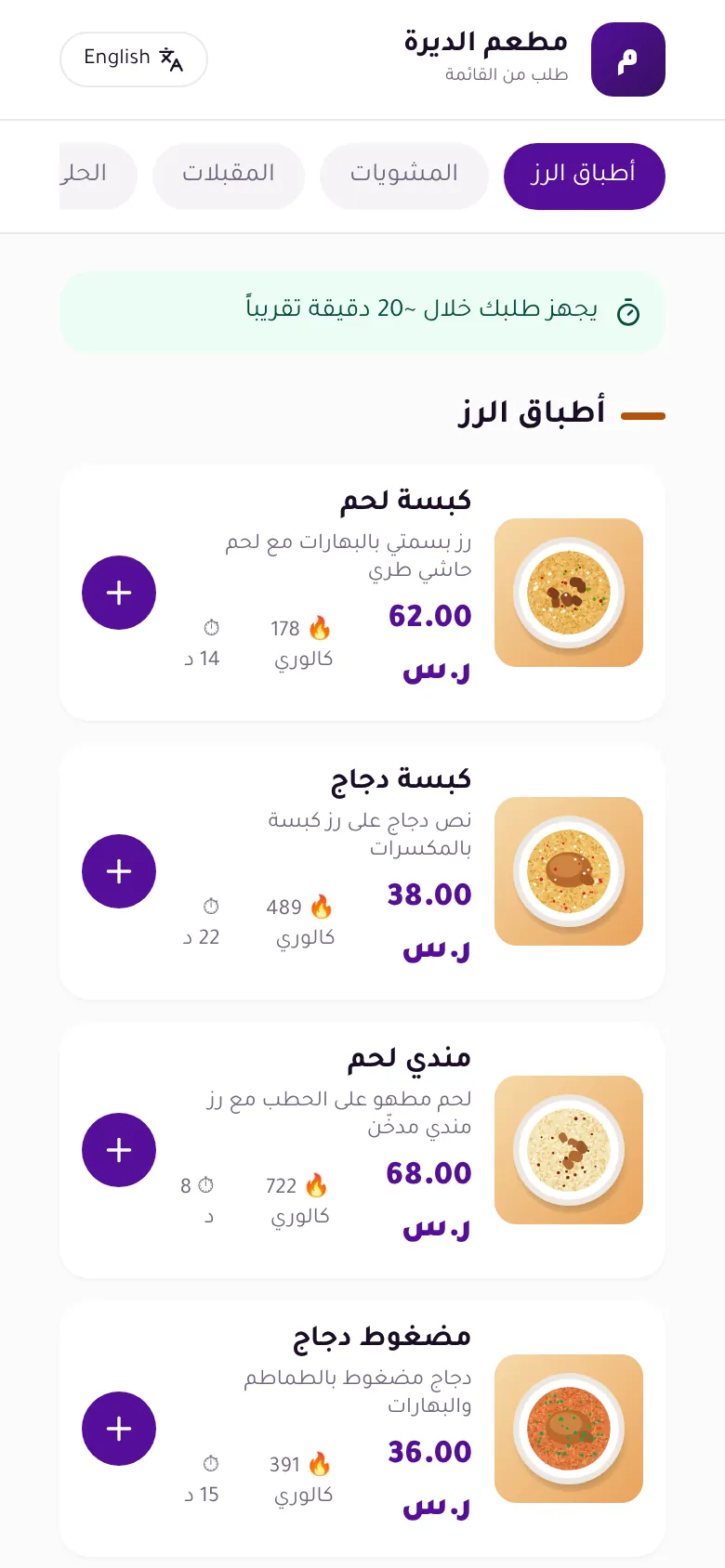
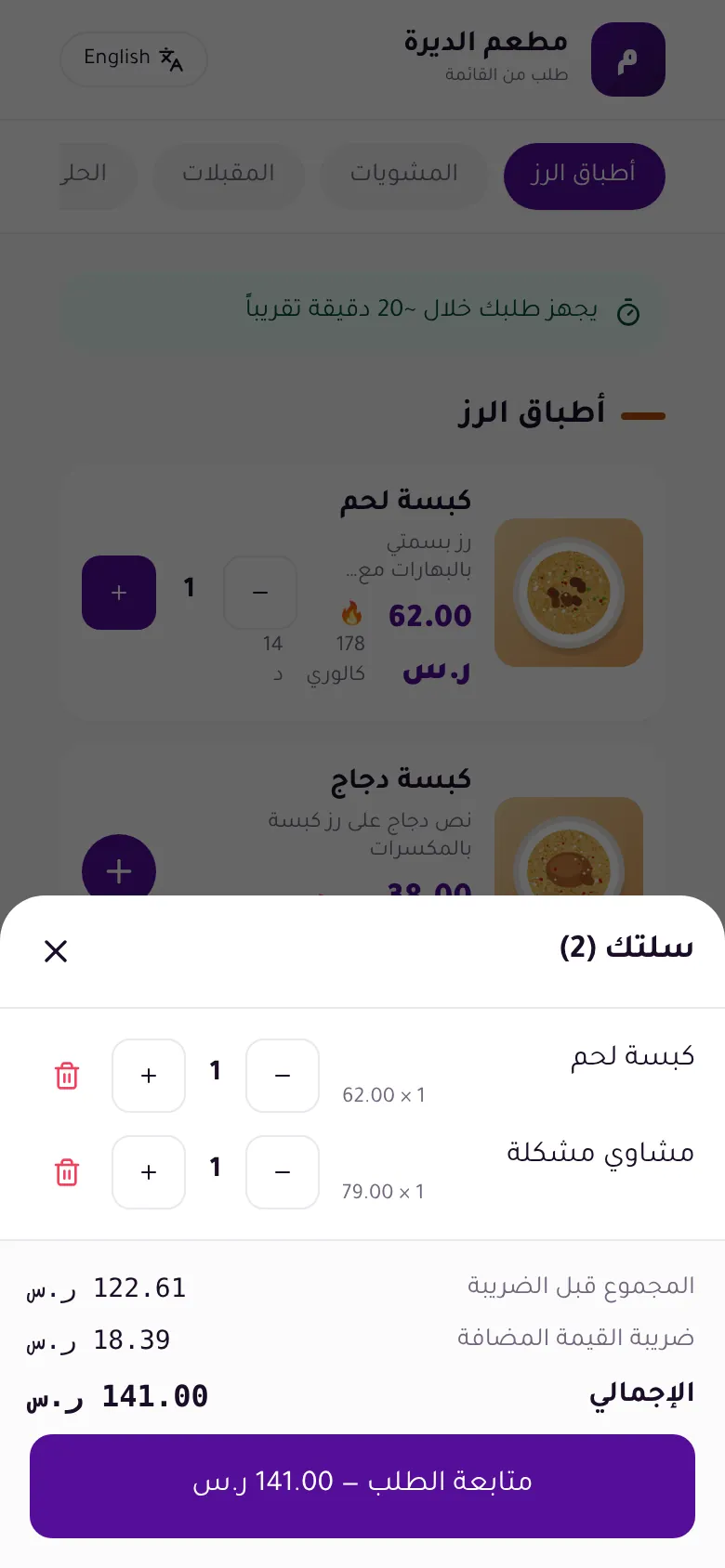
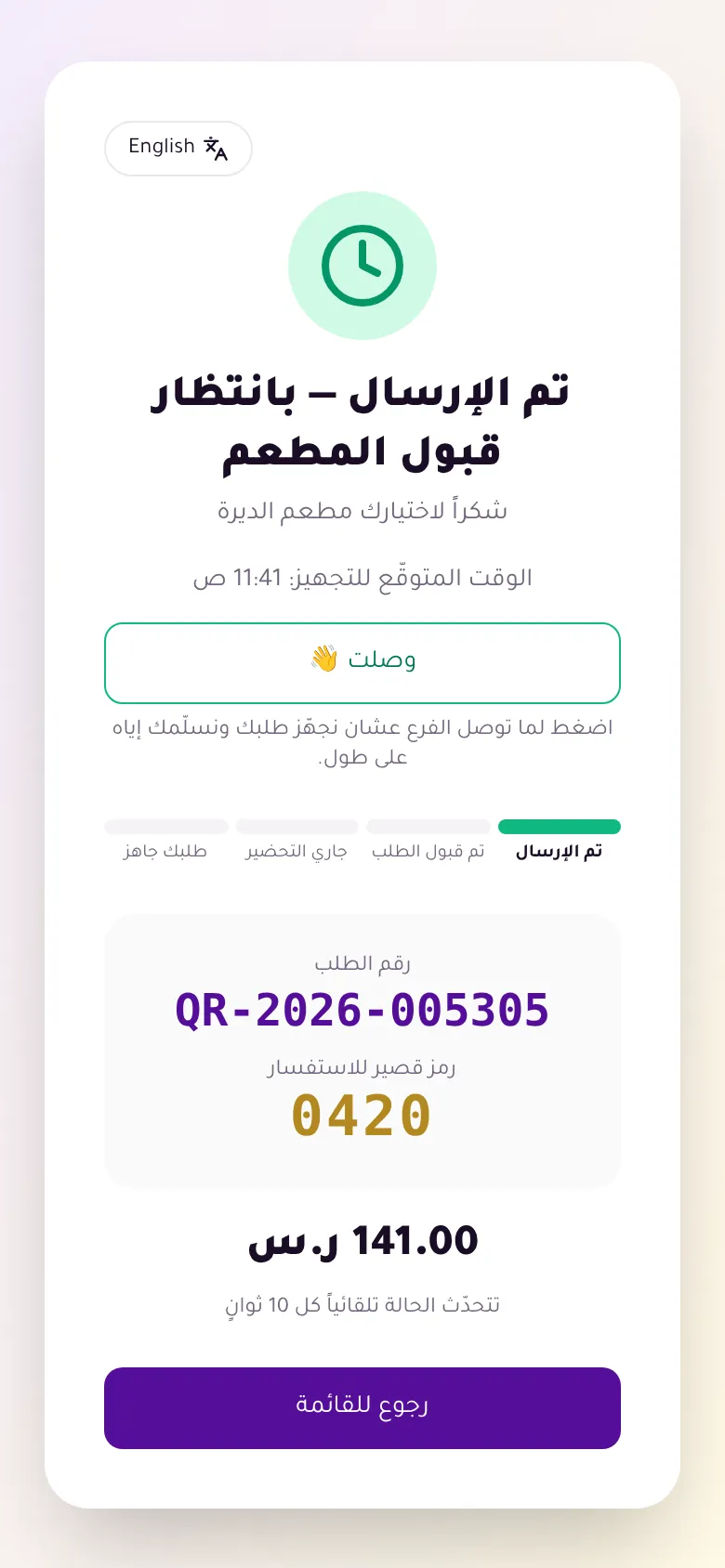
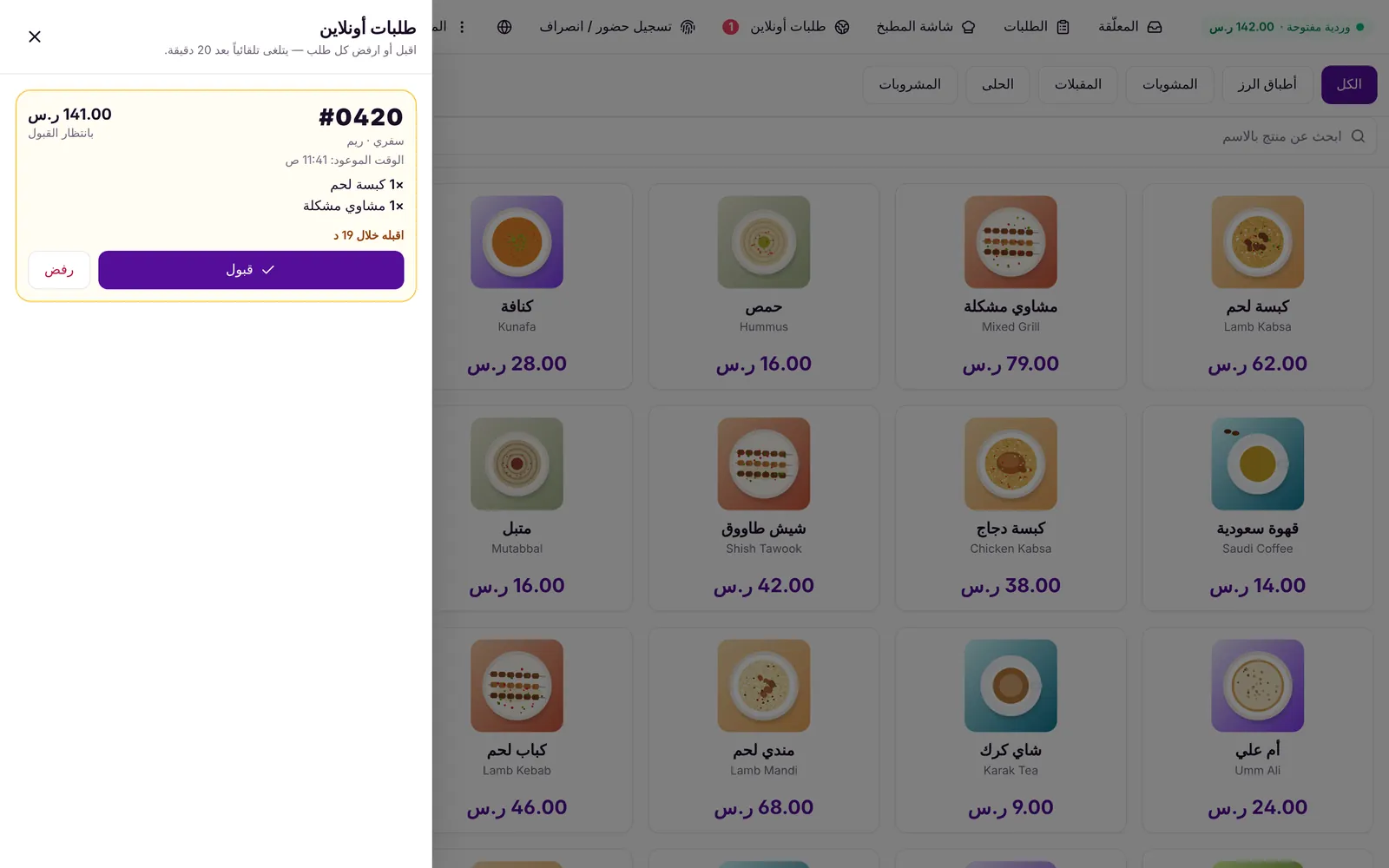
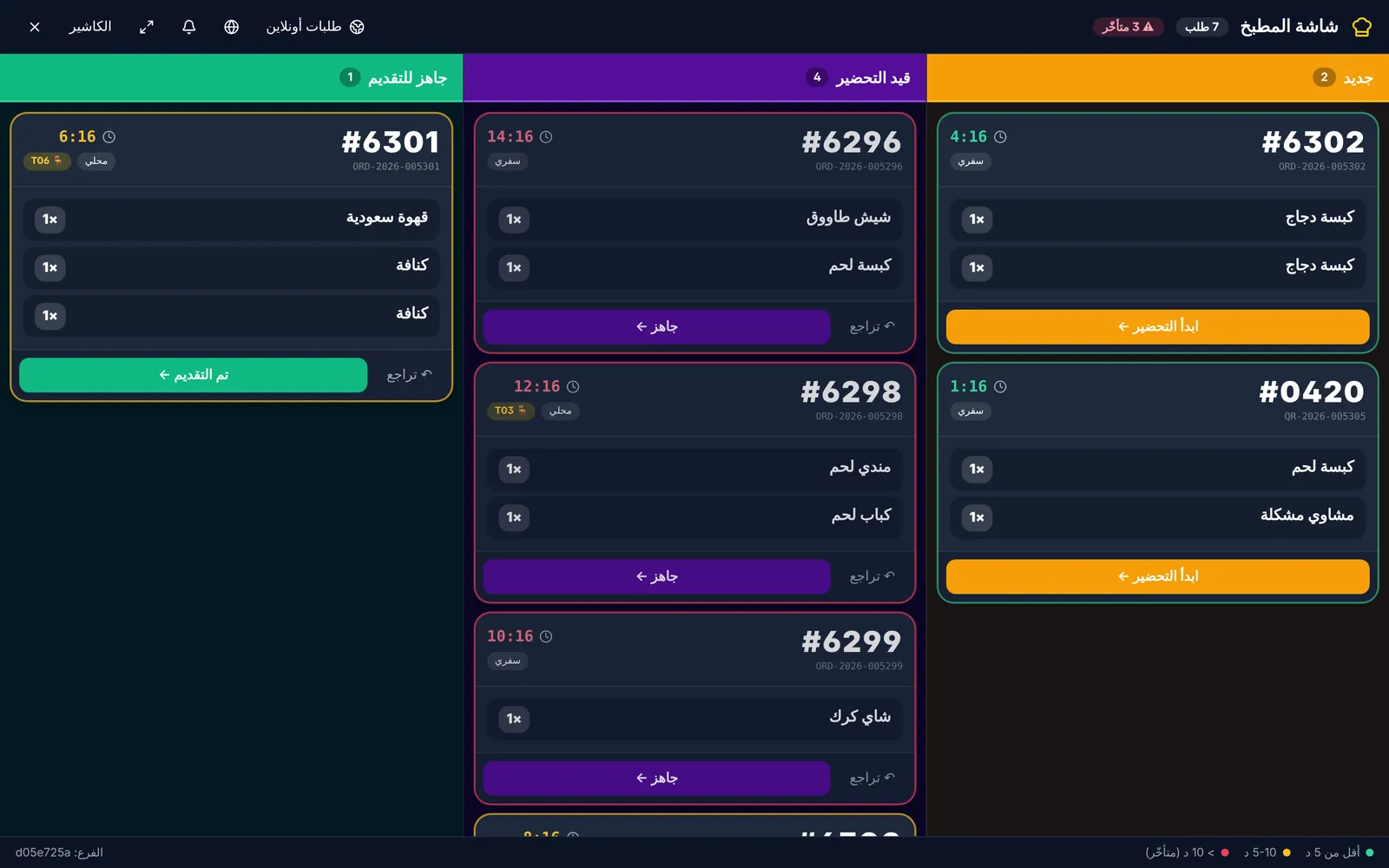
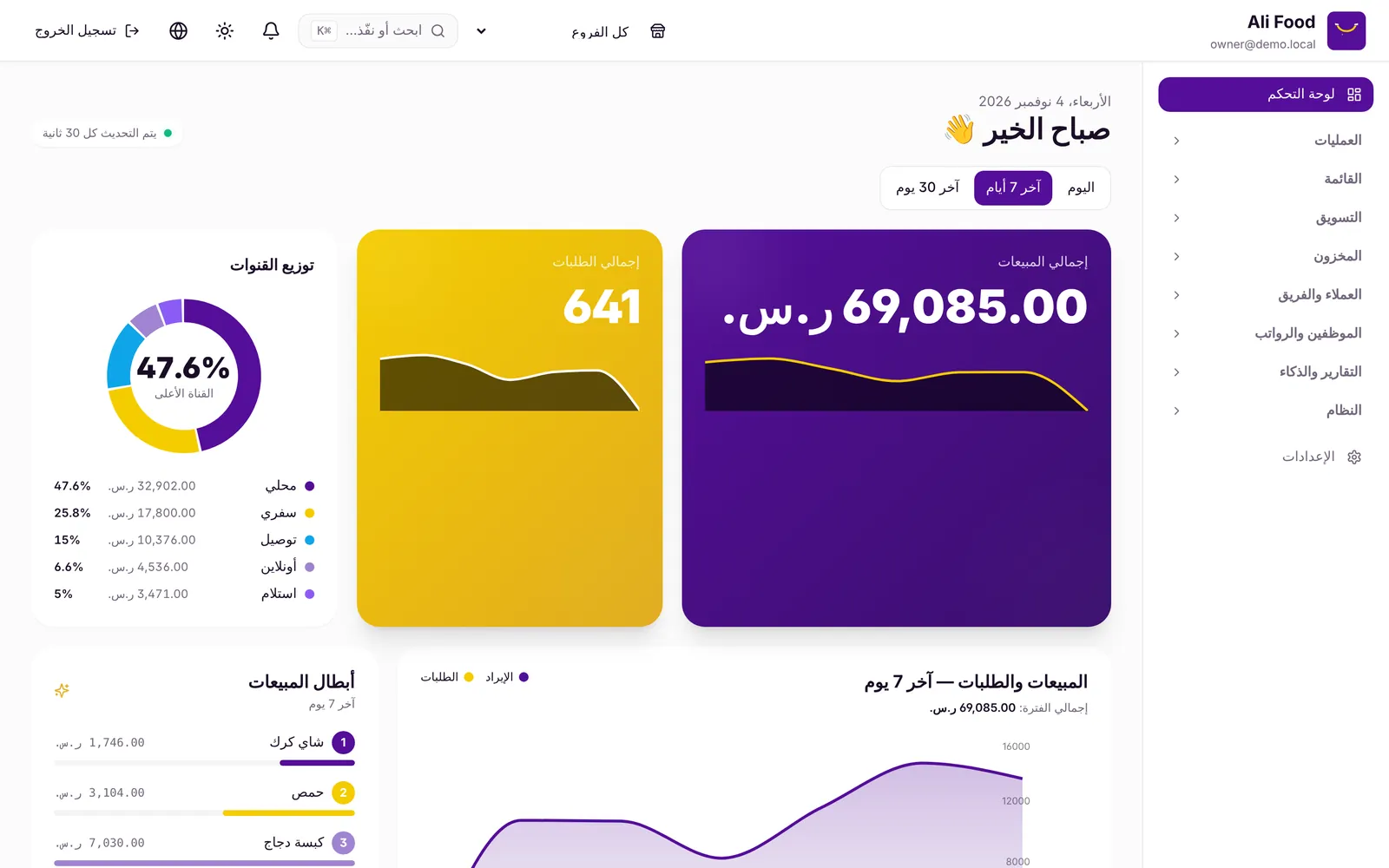
Screenshots of the real product, with a test order at a demo restaurant. Phone ordering needs the Online ordering add-on.
See the product before you sign up
From the cashier to the kitchen to your guest's phone. Every screen here is the product itself.
A POS that runs in the browser
- On any tablet or laptop, nothing to install
- Keeps taking cash orders offline and syncs later
- Dine-in, takeaway and delivery, with tables by section
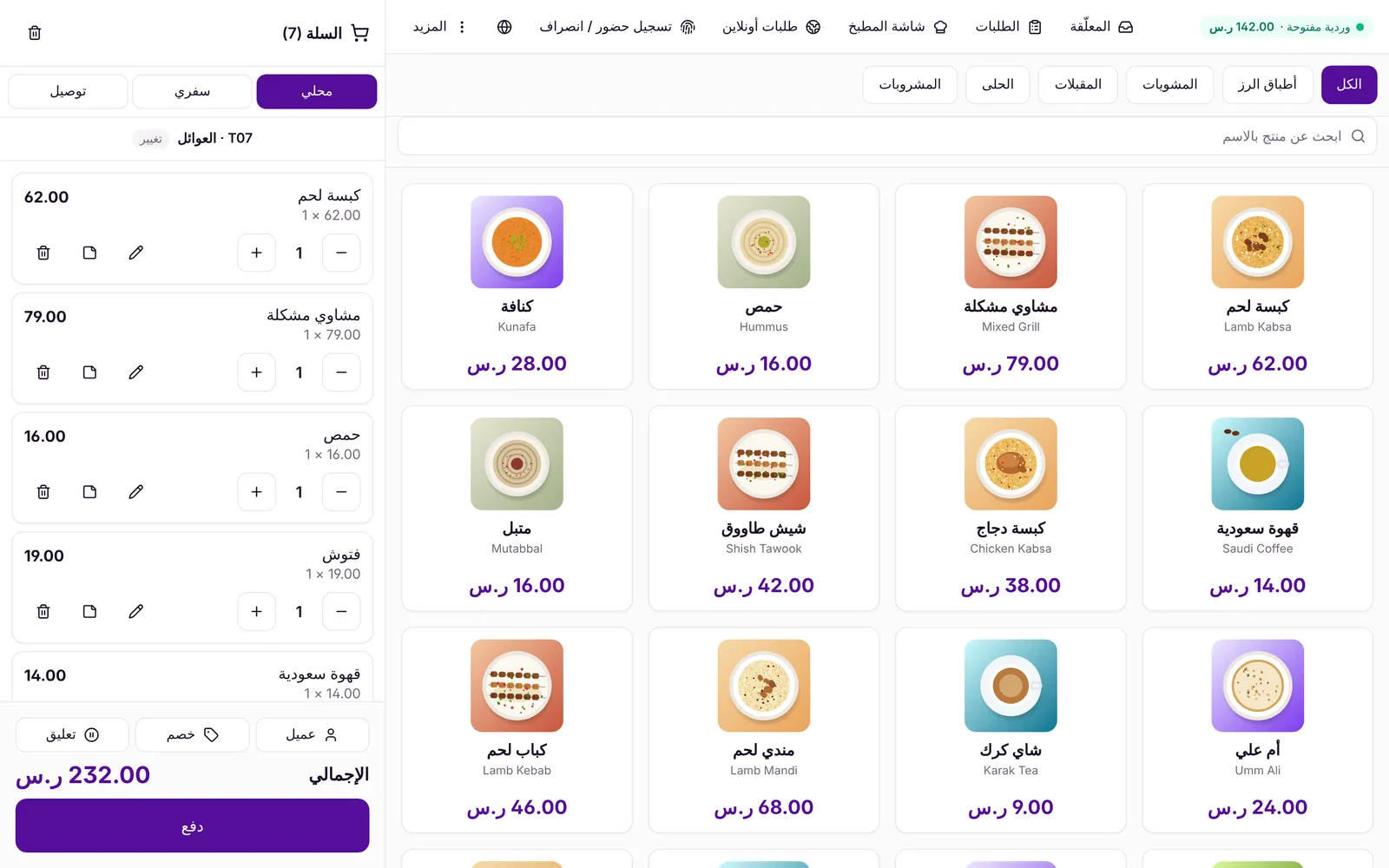
Screenshots of the real product with a demo restaurant's data.